

Windows • Surface Pro • System
Surface Optima, your Surface Pro controls in one click
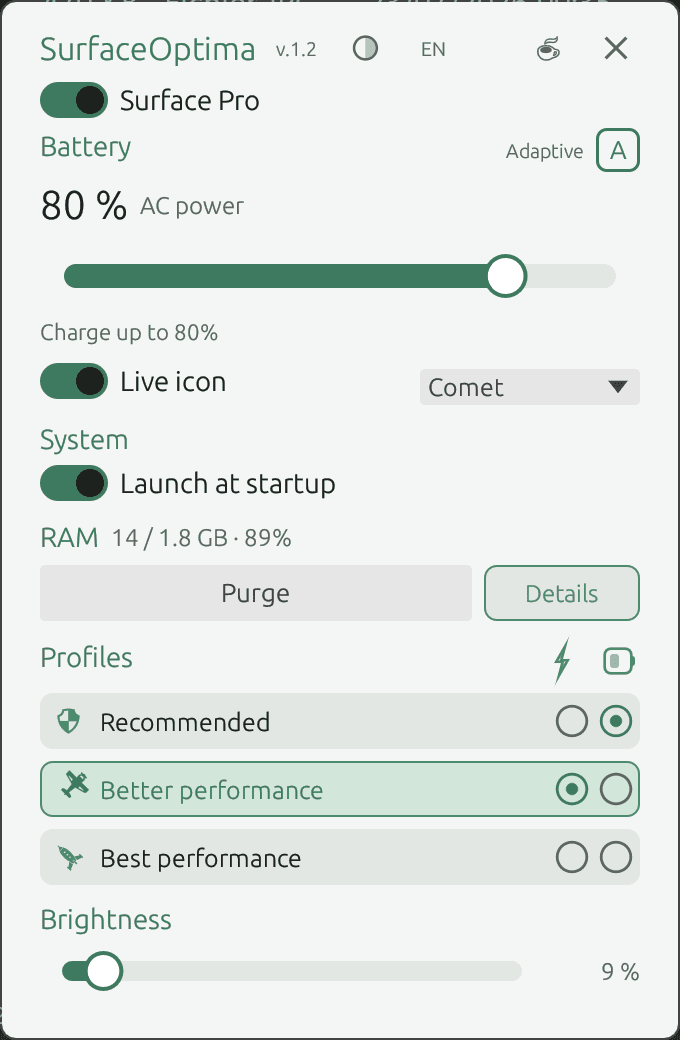
Power profiles, charge modes, memory purge and brightness — all from the notification area, without digging through Windows settings.
 Get it on Microsoft Store
Here's the solution
The official Surface app doesn't always offer charge control. Surface Optima bundles essential Surface Pro settings into a lightweight, fully local utility.
Key features
3 power profiles (Recommended, Better performance, Best performance)
Surface charge modes (Adaptive, 80% limit, temporary 100%)
Memory purge with process details
Brightness control
Notification area tray icon
Automatic startup on Windows launch
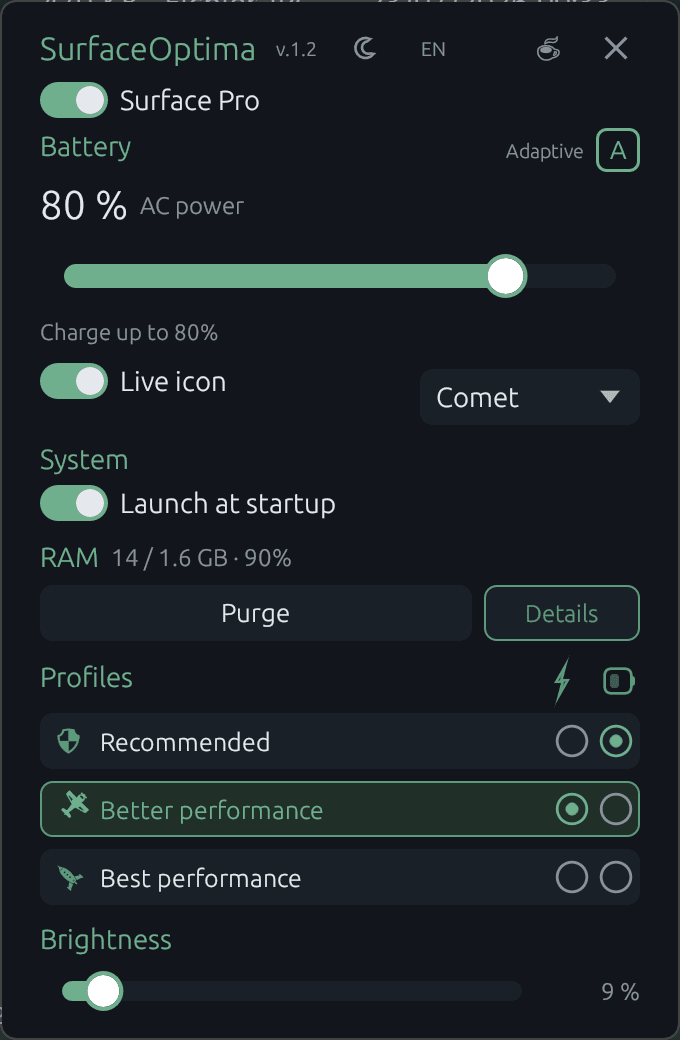
Light and dark theme
100% local — no account, no telemetry
Everything at your fingertips
Compatibility and requirements
- Windows 11 — recent Surface Pro devices (Intel, AMD, Snapdragon)
- Administrator rights required for charge mode control
- Not affiliated with Microsoft Corporation